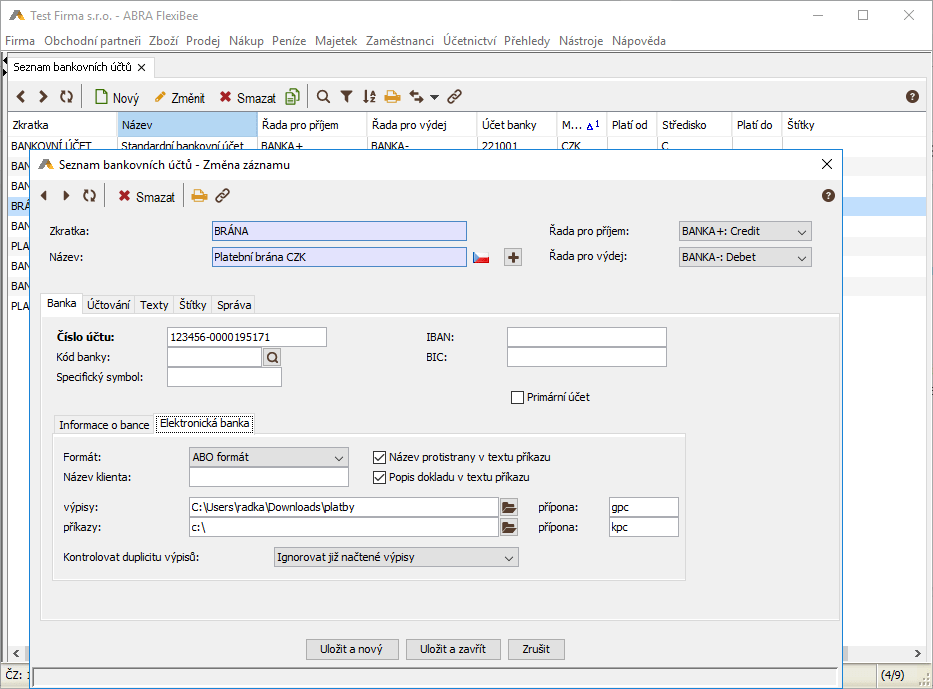
Create a new account in the list of bank accounts. Fill in the individual fields:
Account number – enter the account number from the Client portal. The account number can be found in a section Services → Checkouts → select your shop → Bank connection tab, in the Fictitious ABO account column.
Bank code – leave empty
Electronic bank – select ABO format (.gpc).
In the Accounting tab select the bank account , e.g. 221999 and required currency.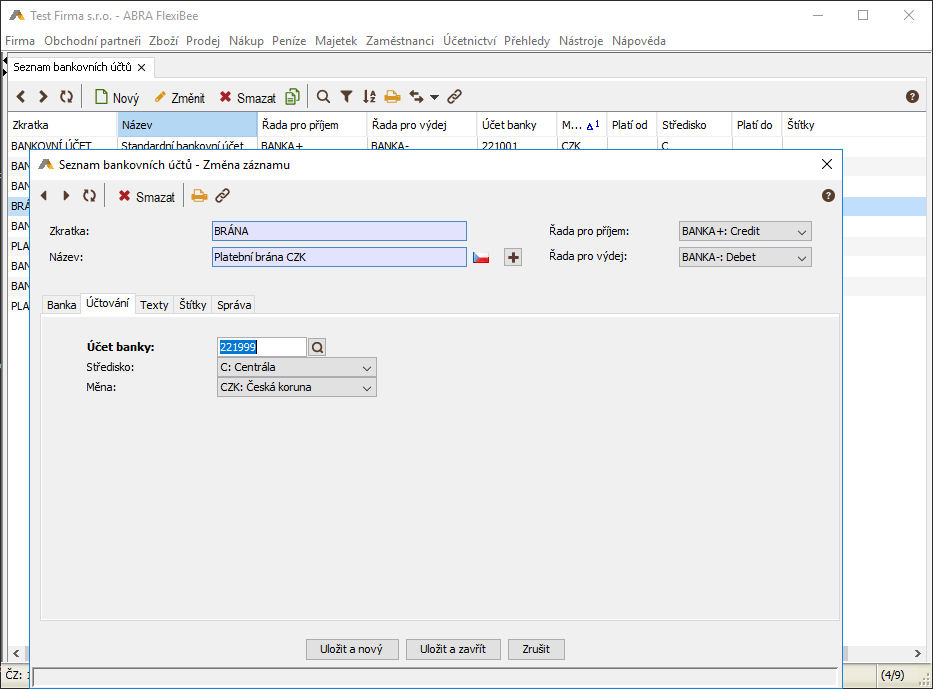
Accounting of payment transactions in ABO format
We send you a statement of transactions in ABO formats by e-mail daily. You can find daily statements in the Client portal in a section Billing → Payouts (for both payment gateway and payment terminal). For the required payout, click Download and select GPC (ABO) - Fees individually or GPC (ABO) - Fees summary.
The accounting procedure is as follows:
store the accounting file into a folder
click on the menu item Accounting and select a file Bank
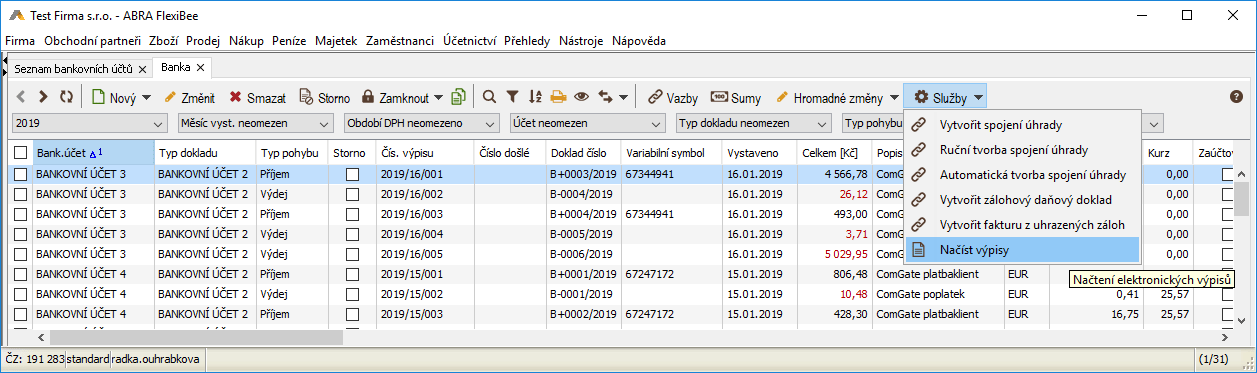
click on the menu item Record and select Load statement
select a service Comgate ABO
To match individual payments to the invoice, click on the tab Services and Automatic creation of a payment connection.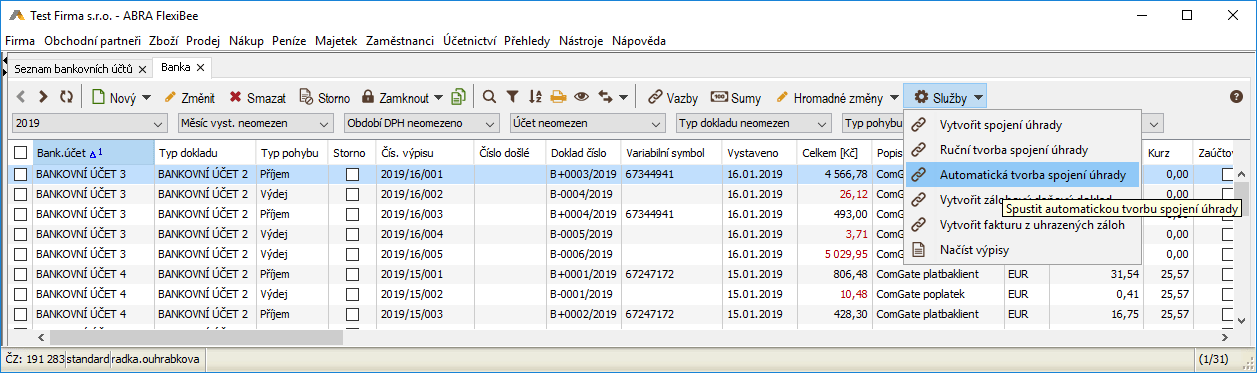
Select Pair by variable symbol and amount.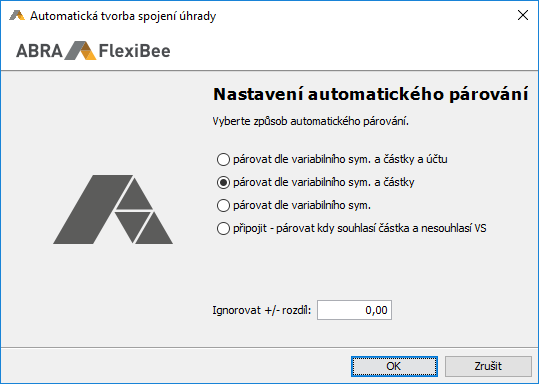
Bulk upload of daily statements
In the list of bank accounts, click Change record. For the Comgate account, go to the Electronic Bank tab, here you can fill in the destination folder from which Flexi will import the statements.
Save the required statements to this folder on your PC and then select the option to retrieve the statements through the bank's services.

Flexi scans the folders with statements that it has not yet uploaded. Uploaded listings automatically get the .nacteno extension, so there is no duplicate upload.